
Mount & Blade II — Bannerlord Arena Live
See the game in action
Real gameplay and panel walkthrough · Turkish audio, English subtitles
Required base game: Mount & Blade II: Bannerlord (Steam)
Bannerlord Arena Live targets streamers with Mount & Blade II: Bannerlord. Viewer gifts influence arena flow for a more interactive show. Monthly license only. Install via the CagiGames launcher.
Gallery & Videos
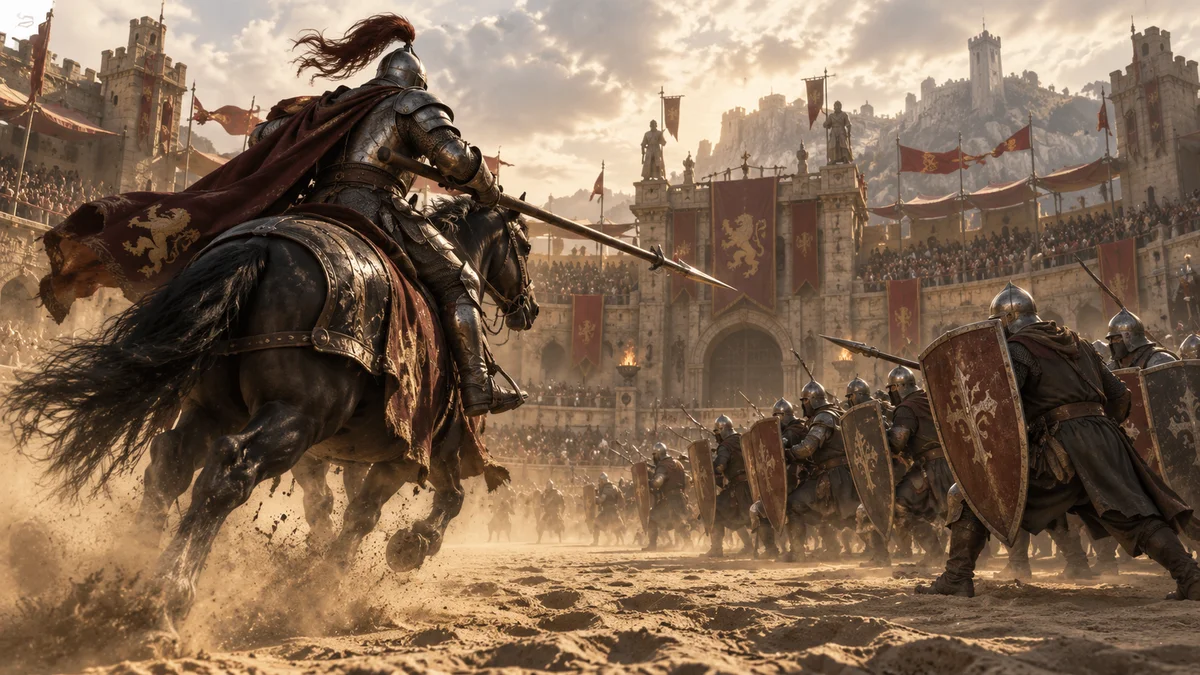
Cover illustration
What do gifts do in the game?
14 interactionsExplore supported interactions below. Gift choices and quantities may vary with the streamer's mappings.
14 / 14
- Gül
- Adds soldiers to the first configured team.
- TikTok
- Adds soldiers to the opposing configured team.
- Ordu piyadesi
- Sends the selected Ordu piyadesi unit to the chosen team. Configure gift and quantity in the panel.
- Okçu
- Sends the selected Okçu unit to the chosen team. Configure gift and quantity in the panel.
- Atlı
- Sends the selected Atlı unit to the chosen team. Configure gift and quantity in the panel.
- Atlı okçu
- Sends the selected Atlı okçu unit to the chosen team. Configure gift and quantity in the panel.
- Mızrakçı
- Sends the selected Mızrakçı unit to the chosen team. Configure gift and quantity in the panel.
- General · Lejyoner
- Sends the selected General · Lejyoner unit to the chosen team. Configure gift and quantity in the panel.
- Elit süvari · Atlı
- Sends the selected Elit süvari · Atlı unit to the chosen team. Configure gift and quantity in the panel.
- Elit süvari · Yaya
- Sends the selected Elit süvari · Yaya unit to the chosen team. Configure gift and quantity in the panel.
- Elit · Vlandiya nişancısı
- Sends the selected Elit · Vlandiya nişancısı unit to the chosen team. Configure gift and quantity in the panel.
- Saray Muhafızı
- Sends the selected Saray Muhafızı unit to the chosen team. Configure gift and quantity in the panel.
- Jawwal · Çöl Kılıcı
- Sends the selected Jawwal · Çöl Kılıcı unit to the chosen team. Configure gift and quantity in the panel.
- Jawwal · Deve Süvarisi
- Sends the selected Jawwal · Deve Süvarisi unit to the chosen team. Configure gift and quantity in the panel.
Installation and support
Required base game: Mount & Blade II: Bannerlord 1.4.8
The base game is purchased separately. The launcher installs the mod package; check the base game requirement below.
- Download and open CagiGames launcher on Windows 10/11.
- Sign in with your purchase account. Check My licenses; activate any separately provided code.
- Select the game in Library and Install. Wait for download and installation to finish.
- Select Open or Open panel after installation. Panels run on the PC where you installed the package.
Install the base game through Steam first. Select the folder opened by Steam → Manage → Browse local files, not the parent steamapps or common folder.
For help, send the game name and error message to support. Do not share passwords or license codes publicly.